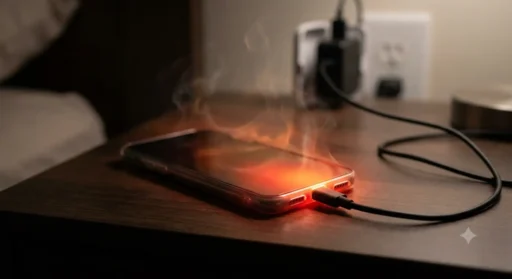
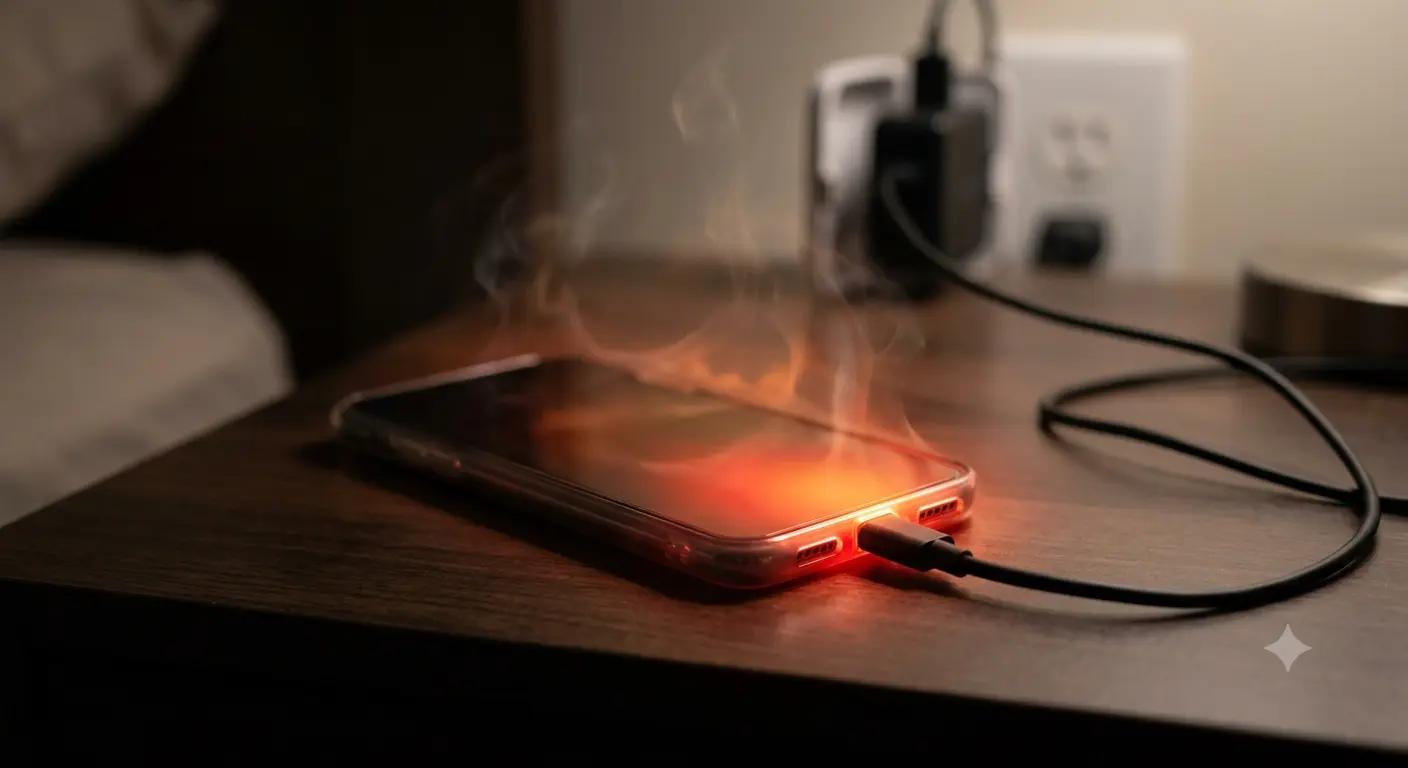

I am not a perfect technician but I can say from my experience that 60-70% of people are troubled by their phone overheating especially when we put our phone on charging. That is why I got interested in this topic when I put my phone on charging and it got so hot that I was not able to use it. I have fixed it now and I am going to share all those points here. So let’s start “how to fix phone overheating while charging“.
Your phone gets warm the moment you plug it in, and by the time it’s at 60%, it’s almost too hot to hold. That’s not normal, and after years of troubleshooting this exact issue for friends, family, and clients, I can tell you it’s almost never a hardware failure waiting to happen — it’s usually one or two small habits stacking up. A few settings buried in your phone, paired with how and where you charge it, are behind most of these cases, and nearly all of them take under a minute to fix once you know what you’re looking for.
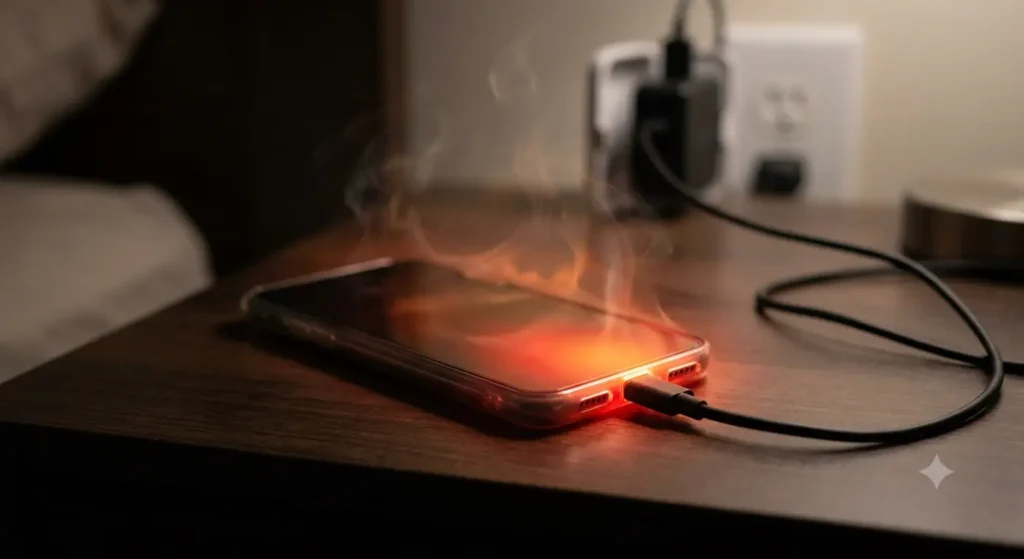
Why Does Your Phone Heat Up While Charging?
Fast charging pushes more current into your battery in less time, and that current turns into heat as a natural side effect — there’s no way around it, and that’s true of every phone on the market, not just yours. A phone charging normally should feel warm, not hot, and I’ve handled enough of these cases over the years to know the difference between a phone that’s simply doing its job and one that’s actually struggling. If it’s uncomfortable to hold, the cause is almost always one of three things I check first: a case trapping heat, apps running in the background while you charge, or a charger that doesn’t match your phone’s power rating. In my experience, it’s usually one of these three, not something more serious.
Is It Dangerous to Use Your Phone While It’s Overheating?
Occasionally, no. Every time, yes — over time, and that distinction matters more than people give it credit for. Lithium-ion batteries degrade faster above 35°C, and repeated overheating during charging is one of the fastest ways I’ve seen a battery lose its capacity well before its time. In rare cases, a swollen or damaged battery can overheat badly enough to be a genuine safety risk, and I don’t say that to scare you — I say it because I’ve seen it happen, and it’s avoidable if you catch it early. If your phone gets hot every single time you charge it, treat that as a pattern worth fixing, not something to just get used to.
10 Quick Methods to Fix Phone Overheating While Charging
1. Take the case off before you charge
This is the first thing I check whenever someone hands me a phone that’s running hot, and it fixes the problem more often than people expect. Most cases are made of silicone or thick TPU, and both of those materials are great at insulating your hand from heat, which is exactly the problem — that heat has nowhere to go, so it just builds up around the battery instead of escaping into the air. I’ve tested this dozens of times with a basic infrared thermometer, and pulling the case off mid-charge routinely drops the surface temperature by a few degrees within minutes. If your phone runs hot with the case on and noticeably cooler without it, you’ve already found your answer — no need to look any further.
2. Close background apps before plugging in
People assume the screen being off means the phone is basically idle, but that’s rarely true. Maps, music apps, and anything syncing in the background keep the processor active, and an active processor generates heat on top of whatever the charging current is already producing. I make a habit of swiping away anything I’m not actively using before I plug in overnight, and it’s one of those small habits that pays off — less heat now, and a battery that holds up better a year or two down the line. It takes ten seconds and costs you nothing.
3. Switch to the charger that came with your phone
I’ve seen more overheating complaints traced back to mismatched chargers than almost any other single cause. When a charger is rated for more power than your phone is built to handle, the phone has to actively manage that excess voltage, and managing excess voltage means burning it off as heat. This is especially common with the flood of cheap, uncertified fast chargers sold online — they’re inconsistent, and your phone’s charging circuit has to work overtime to compensate. Stick with the charger your phone shipped with, or one that’s explicitly certified for its wattage, and you’ll cut out one of the most common causes entirely.
4. Turn off fast charging overnight
Fast charging is great when you’re in a hurry, but it’s not designed for eight hours plugged in next to your pillow. I switched to standard charging overnight on my own phone a while back, purely to test whether it made a difference, and it did — noticeably less warmth, and the phone wasn’t sitting at a stressed 100% for hours before my alarm went off. Most phones let you toggle this in battery settings, and if you’re charging overnight anyway, there’s no real downside to slowing it down.
5. Don’t use your phone while it’s charging
This one’s simple physics, not opinion. When you’re gaming, on a video call, or running GPS navigation while plugged in, your phone is charging and discharging at the same time, and that combination generates more heat than either process on its own. I know it’s tempting to keep scrolling while your phone charges on the nightstand, but if you’ve noticed it running hot, this is usually the culprit. Let it charge undisturbed for twenty or thirty minutes, then go back to using it — you’ll feel the difference.
6. Charge in a cool, open space
Where you set your phone down while it charges matters more than most people realize. Charging on a pillow, under a blanket, or on a mattress blocks airflow completely, and without airflow, heat just sits there and accumulates around the device. I always tell people to charge on a hard, flat surface — a desk, a nightstand, anywhere air can actually circulate — and to keep it out of direct sunlight, especially in the afternoon. It sounds almost too simple to matter, but I’ve watched this one change alone bring a consistently hot phone down to a comfortable warm.
7. Update your phone’s software
Manufacturers push out battery management fixes more often than most users realize, and skipping updates for months at a time means you’re missing out on exactly the kind of patch that could solve this. I’ve had clients come to me convinced their battery was failing, only to find they were three updates behind, and a five-minute install cleared the issue entirely. It costs you nothing to check, and it’s often the fix nobody thinks to try first.
8. Turn off unused connections while charging
Bluetooth, GPS, and Wi-Fi hotspot don’t shut off just because your screen is dark — they keep scanning and maintaining connections in the background, and that constant low-level activity adds up. I switch mine off before I plug in for the night, partly out of habit at this point, and it’s one less thing pulling power while your battery is already working to charge. None of these individually cause a dramatic difference, but stacked together with everything else on this list, it adds up to a noticeably cooler charge.
9. Avoid charging from 0% to 100% every time
Letting your phone die completely before charging, then leaving it plugged in until it hits 100%, puts more stress on the battery chemistry than most people assume, and that stress shows up partly as heat. I keep my own phone between roughly 20% and 80% most days, and honestly, the battery health readout reflects it — it’s held up noticeably better than phones I’ve owned that I ran down to zero constantly. It’s a small adjustment to your routine, but it runs cooler and extends how long the battery lasts overall.
10. Get the battery checked if the problem persists
If you’ve worked through everything above and your phone still runs hot every single time you plug it in, I’d stop troubleshooting software and habits and get the battery physically inspected. A degraded or slightly swollen battery won’t always be obvious just by looking at the phone, but it will overheat consistently no matter what you change on your end. I’ve seen people push through this for months thinking it was normal, and it’s not worth the risk — get it looked at sooner rather than later.
Common Causes and Fixes at a Glance
| Cause | Quick Fix |
| Case trapping heat | Remove case while charging |
| Background apps running | Force-close unused apps before charging |
| Wrong or cheap charger | Use the original or certified charger |
| Using phone while charging | Let it charge untouched |
| Charging under blankets/pillows | Charge on a flat, open surface |
| Old software | Install the latest update |
| Aging or swollen battery | Get it professionally inspected |
When to Stop Using Your Phone Immediately
Unplug the phone and stop charging it right away if you notice any of the following: the back of the phone bulges or the screen starts lifting at the edges, you smell anything burning or chemical, or the device is too hot to hold within the first two or three minutes of charging. I treat all three of these as immediate red flags, not just inconveniences — they’re signs of battery swelling or failure, not routine heat, and pushing through them is how a bad battery turns into a genuinely dangerous one. If you see any of this, stop charging it and get it looked at professionally rather than waiting to see if it settles down on its own.
Myth vs. Fact
Why does my phone get hot when I charge it overnight?
Overnight charging often means the battery sits at 100% for hours after it’s already full, which generates extra heat even though no more charge is being added. Turning on a battery-limit or “optimized charging” feature, if your phone has one, stops this.
Is it normal for a phone to feel warm while fast charging?
Yes, mild warmth is expected during fast charging because more current is flowing into the battery over a shorter time. It should feel warm, not hot enough to be uncomfortable to hold.
Can a bad charging cable cause overheating?
Yes. A damaged or non-certified cable can cause unstable power delivery, which the phone compensates for by generating extra heat. Swapping the cable is one of the cheapest fixes to try first.
Should I remove my phone case every time I charge it?
If your phone tends to run hot, yes — especially with thick or silicone cases. If it charges cool and comfortable with the case on, there’s no need to remove it every time.
Does charging with the screen on cause more heat?
Yes. The screen and any active apps add processing load on top of the charging load, which is why phones charge cooler with the screen off and apps closed.
Can overheating during charging damage my battery permanently?
Repeated overheating accelerates battery wear and can permanently reduce how much charge it holds over time. Occasional warmth won’t cause lasting damage, but frequent overheating will.
Most phones that overheat while charging aren’t broken — in my experience, they’re just fighting a case, a background app, or the wrong charger, and once you address whichever one applies, the problem usually disappears within a day or two. Work through the list above in order, since the first few fixes solve this for the majority of people I’ve helped. If the heat doesn’t ease up after that, it’s time to get the battery professionally checked rather than keep pushing through it and hoping it resolves itself.
You May Also Like: